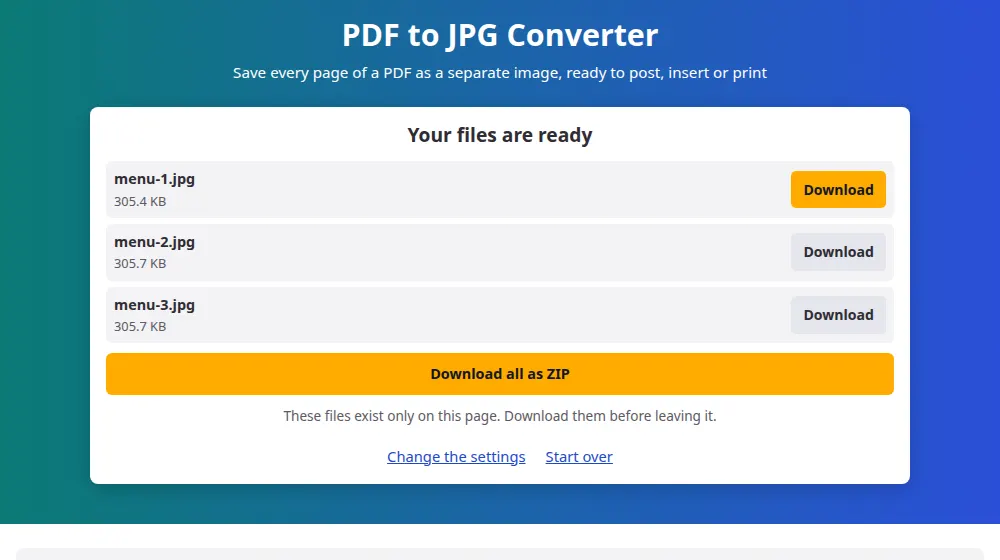
How to convert PDF to JPG
- Press Choose a PDF file or drag it to the box.
- Choose the image quality: standard for screens, high for printing or zooming in.
- Press Convert to JPG and wait while each page is drawn. A progress bar shows how far along it is.
- Download the pages you want, or take them all at once as a ZIP.
150 or 300 DPI?
DPI is how many image dots go in each inch of the page. For an A4 sheet, the difference looks like this:
- 150 DPI: about 1240 × 1754 pixels. Sharp on a phone or a computer, and a good fit for social media and chat apps.
- 300 DPI: about 2480 × 3508 pixels. For printing, for reading small print and for design programs. Each file weighs several times more.
What people use it for
- Posting a flyer or a menu on Instagram, where a PDF wouldn't appear in the feed.
- Placing a chart from a report in a presentation or a document.
- Sending one page by WhatsApp so it opens at once, with no extra app.
- Getting a preview of the first page to use as a cover on a website.
What changes when a page becomes an image
A JPG is a photograph of the page. Links stop working, the text can no longer be selected or searched, and small print gets soft if you zoom in too far. If you need to keep the page as a working document, use split PDF instead: it extracts pages and leaves the text intact.
Blank areas of the page come out white, since JPG doesn't support transparency, and each page gets its own file, numbered in order so that it's easy to find later.
Frequently asked questions
How many pages can I convert?
Up to 200 pages per PDF. Every page has to be drawn in your device's memory, which a long document can use up quickly. To convert more, use split PDF to break the file into parts first.
Why do some pages take longer than others?
Pages with big photos, maps or detailed charts have more to draw than pages with just text. A high DPI setting also multiplies the work, because 300 DPI has four times as many pixels as 150 DPI.
The text in the image looks different from the original. Why?
Some PDFs don't include their fonts and rely on your computer having them. If it doesn't, the browser uses the closest one available, so letters may look slightly different. This mostly affects older documents.
Can I get PNG instead of JPG?
Not on this page. To change the format afterwards, send the images through the image converter. For documents with a lot of text, JPG at high quality looks clean enough for almost every use.
Can I convert only one page?
The tool converts the whole document, and you download only the pages you want. If the PDF is long, take the page out with split PDF first, which is faster and uses less memory.
Why can't it open my PDF?
It may be protected by a password, in which case you'll see a message saying so. Otherwise, the file may be incomplete, which is common with interrupted downloads. Try downloading it again before anything else.