How to convert PNG to JPG
- Press Choose PNG files or drag them to the box.
- Set the quality. For photos, 80% to 90% gives small files with no visible loss.
- Press Convert to JPG.
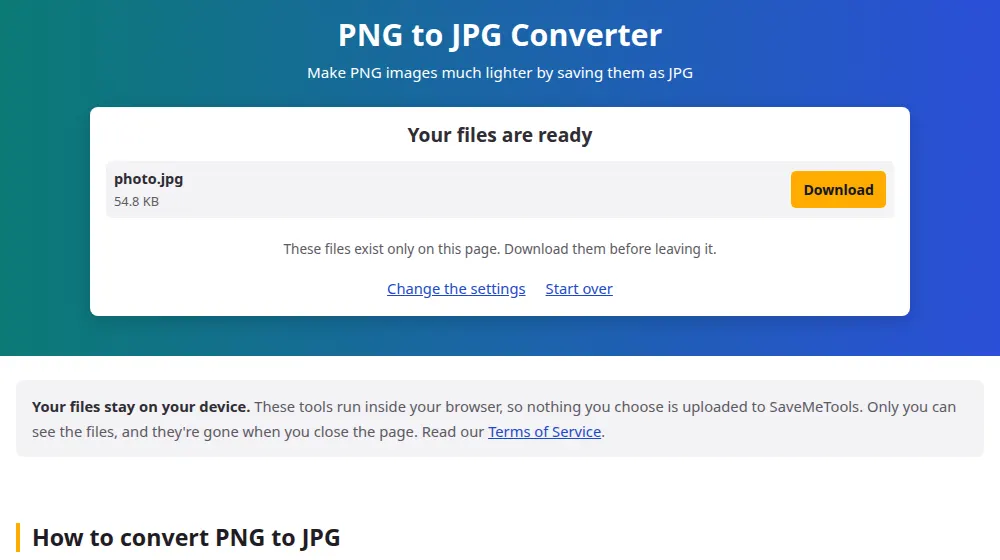
- Compare the file sizes in the result, then download.
Why the difference in size is so large
PNG keeps every pixel exactly as it is, which suits a logo but is wasteful for a photo. A photo saved as PNG can easily reach 10 MB, and the same picture as JPG may take up 1 MB without any difference you could spot. When a website or email rejects a picture for being too large, a photo in PNG is one of the most common causes.
Pictures that should stay in PNG
- Logos and icons with a transparent background: the transparency disappears in JPG.
- Screenshots with small text: JPG leaves faint smudges around the letters, more visible at lower quality.
- Drawings and charts with flat colors: PNG is often already small for these, and JPG may even end up bigger.
- Pictures you'll keep editing: each JPG save loses a little more, so PNG is safer as a working copy.
The white background
JPG has no transparency, so transparent areas are filled with white. On a logo that goes on a white page, nobody will notice. To place it over a color or a photo, keep the PNG. A dark logo designed for a colored background can also look strange on white, so take a look at the result.
When you only need a smaller file
If what you want is to reach a limit such as 200 KB, compress image searches for the right quality by itself, so you don't have to try several values. Use this page when it's the JPG format that you need.
Frequently asked questions
How much smaller will the JPG be?
For photos, commonly 5 to 10 times smaller. For screenshots, perhaps 2 or 3 times. For simple graphics with few colors, the JPG may be no smaller at all, and in that case it's better to keep the PNG.
Can I keep the transparent background?
Not in JPG, because the format doesn't have transparency. To keep it in a smaller file, use the image converter to make a WebP, which supports transparency at a size comparable to JPG.
Which quality should I choose?
For a photo, 85% is usually a good balance. For a picture with text, 90% or more keeps letters cleaner. Try one image and compare before converting a large batch, since a single setting won't suit every kind of picture.
Why does my screenshot look worse in JPG?
JPG was designed for photographs, where colors change gradually. Sharp edges such as letters and lines get a faint halo around them. Raising the quality helps, but for screenshots with small text, PNG is often the better format.
Can I go back to PNG later?
You can convert it, but the file won't recover what was lost. So keep the original PNG if the picture matters. See JPG to PNG for when that conversion makes sense.
Does the picture's size in pixels change?
No. The JPG has the same width and height as the PNG, with only the file becoming lighter. To change the dimensions as well, use resize image before or after converting.