How to convert JPG to PNG
- Press Choose JPG files or drag them to the box.
- Press Convert to PNG. There's no quality setting, because PNG keeps every pixel.
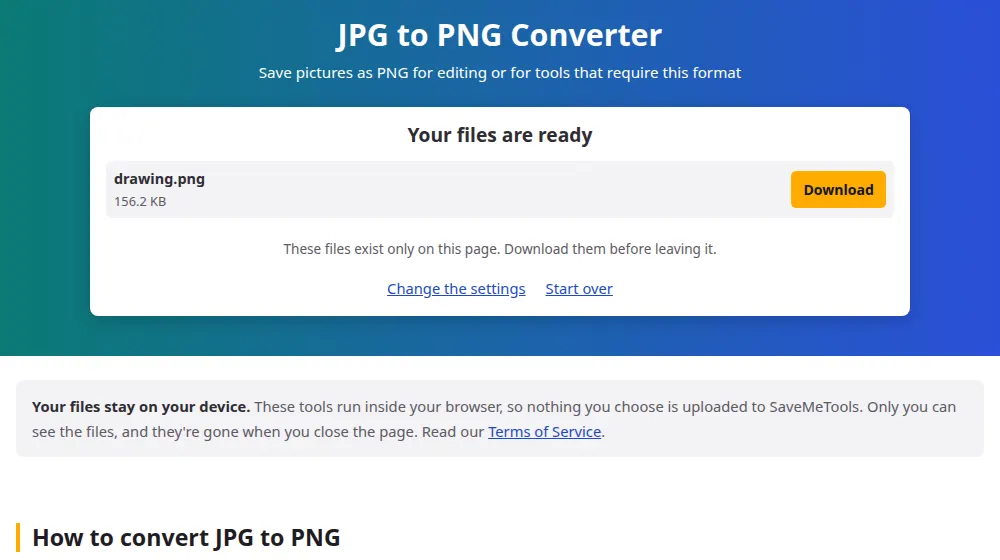
- Check the new size in the result, as PNG files are larger.
- Download each file, or all of them in a ZIP.
Good reasons to convert
- A form or a program accepts only PNG. Some design tools and sticker makers do.
- You're going to edit the picture several times. Each save in JPG loses a little quality, while PNG doesn't lose any.
- You'll add text or graphics on top. Sharp elements stay clean when the final file is PNG.
- You'll cut out the background later. A PNG can store the transparent area once you've removed it in an editor.
What this conversion can't do
It won't improve the picture. The blocks and smudges of a low-quality JPG are copied as faithfully as everything else, and PNG preserves them perfectly. A larger file doesn't mean a sharper image: it's just a less efficient way of storing the same picture.
It doesn't create transparency either. People often expect a white background to disappear, but a JPG has no transparent parts to preserve, so the white stays. Removing a background is a different task, which needs an image editor.
Expect a much larger file
A 2 MB phone photo can easily become 15 MB as PNG. That's fine for working on your computer, but it's a poor choice for sending or publishing. When the picture is ready, make a lighter copy with PNG to JPG or compress image, and keep the PNG as your master copy.
Frequently asked questions
Why is the PNG so much bigger than the JPG?
JPG achieves its small size by discarding details, while PNG records every pixel exactly. Photos have millions of slightly different pixels, and that's the worst case for PNG. Five to ten times larger is common for a photo.
Does converting to PNG improve the quality?
No. It stops further loss, but it doesn't bring back anything the JPG has already lost. To improve a picture, you need a better original, as no format can restore detail by itself.
Will this make the background transparent?
No. The background stays exactly as it was, since a JPG has no transparency information. Once the picture is in PNG, you can remove the background in an image editor, and the PNG will keep the see-through area.
Is PNG better than JPG for printing?
For the print itself, a high-quality JPG is usually indistinguishable from a PNG. Print shops generally care more about the number of pixels than the format, and many prefer JPG because the files are easier to handle.
Should I convert my photos to PNG to preserve them?
There's no need. If you have the original JPG, keep it as it is: converting adds size with no benefit. PNG only helps when you'll edit and save the picture several times.
Is the conversion limited to one file?
No, you can add up to 50 JPGs of up to 40 MB each. PNG files use up a lot of memory, so on a phone a smaller batch is more reliable, especially with high-resolution photos.