How to convert HEIC to JPG
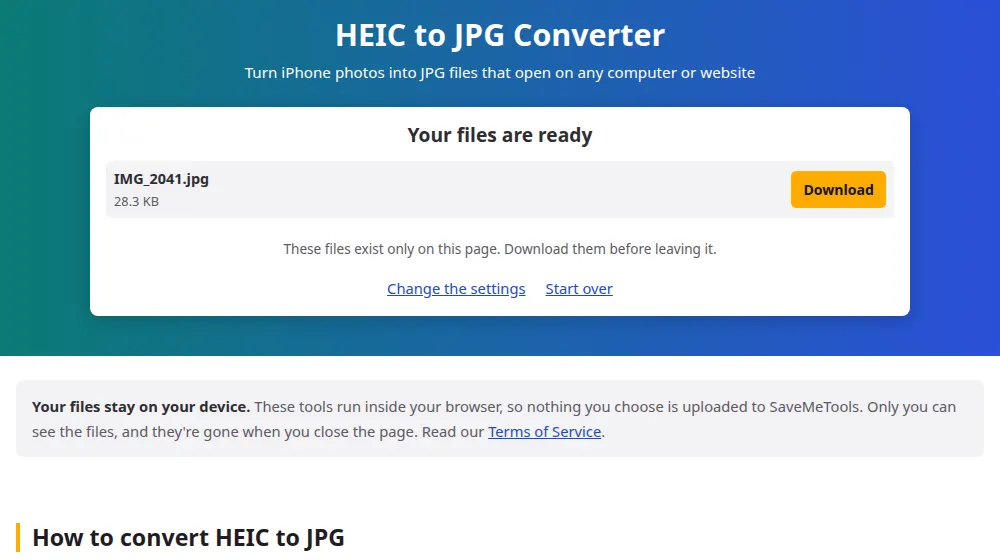
- Press Choose HEIC files and select your photos, or drag them from the folder.
- Set the quality if you like. 90% keeps the photo looking the same in practically every case.
- Press Convert to JPG. The first time, the browser takes a moment to load the HEIC reader.
- Download each photo, or all of them as a ZIP.
Why your iPhone saves in HEIC
Since 2017, iPhones have saved photos as HEIC by default. A HEIC file takes up about half the space of a JPG of similar quality, which is why you can keep so many photos on your phone. The problem appears when they leave it: Windows may ask you to install an extension to open them, and many websites, forms and older programs refuse them.
Stop getting HEIC photos in the first place
If you're always converting, you can change the iPhone's setting. Go to Settings > Camera > Formats and choose Most Compatible, and new photos will be saved as JPG. Photos you already have don't change, and they'll take up more space from then on.
When you send photos through the iPhone's Mail app or Share sheet, they're often converted automatically. Files copied with a cable or stored in iCloud tend to stay in HEIC, and that's where this page helps.
What about Live Photos, and photos with depth?
A Live Photo is a still picture paired with a short video. Only the still picture gets converted, so you'll get an ordinary JPG. Portrait-mode photos come out with the blur already applied, and without the separate depth data your iPhone uses for further editing. HDR photos may look slightly less vivid in JPG, since the format has a narrower range of colors.
Frequently asked questions
Will my photo lose quality?
Very little at 90%, and you're unlikely to see it. The JPG will usually be larger than the HEIC, since it's a less efficient format. That's normal, and it doesn't mean the photo has improved.
Can I convert HEIC on an iPhone itself?
Yes, in Safari. Choose your photos from the library or the Files app, convert them here and download. The JPGs go to the Files app, in Downloads, and from there you can save them to Photos.
Why does it take longer than other conversions?
Most browsers can't read HEIC by themselves, so a decoder has to run inside the page, and it's slower than the browser's own tools. Photos with many megapixels take a few seconds each, particularly on older computers.
Can Windows open HEIC without converting?
Windows 10 and 11 can, using two extensions from the Microsoft Store: one for HEIF and one for HEVC, and the latter may be paid. Converting to JPG is simpler if you just need to send or upload a few photos.
Will the date and location of my photos be kept?
No. The new JPG doesn't carry the hidden data from the original, including the date taken and GPS position. That's good for sharing, but if you're organizing an archive by date, keep the original HEIC files too.
Is there a difference between HEIC and HEIF?
HEIF is the name of the format, and HEIC is the version that uses the HEVC image compression, which is what iPhones produce. For our purposes they're the same, and files ending in either .heic or .heif are accepted.
Why won't my iPhone photo open on my computer?
Because the iPhone saves photos as HEIC, a format that many Windows programs, websites and older devices still can't open. Converting to JPG gives you a copy that opens anywhere, and the original stays on your phone as it was.