How to convert WebP to JPG
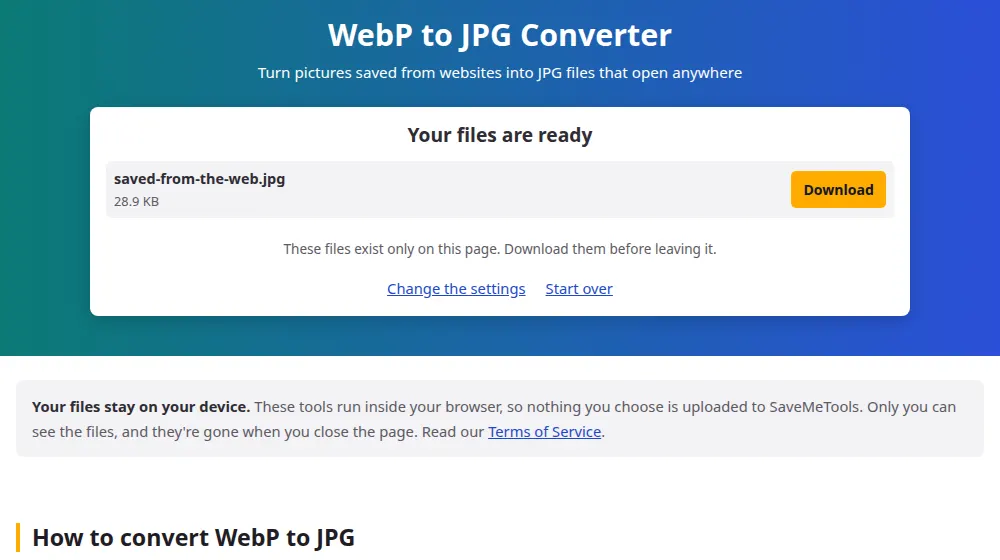
- Press Choose WebP files, or drag the images to the box.
- Set the quality. Since the picture has already been compressed once, 90% or more avoids extra wear.
- Press Convert to JPG.
- Download each file, or get them all in a ZIP.
Why you keep ending up with WebP files
When you save a picture from a website, you may get a .webp file even though the page looked like any other. Websites like this format because it loads faster than JPG at a similar quality, and browsers show it without any fuss. The trouble starts afterwards, when an older photo editor, a printing service or an upload form says it can't read the file.
What to do with transparent areas
WebP can have see-through parts, as PNG does, but JPG can't. Those areas turn white during conversion. On a logo or a product cut-out, this may leave a white box around it, and the image converter can make a PNG instead, keeping the transparency.
Animated WebP
Some WebP files are small animations, like GIFs. A JPG holds a single picture, so only one frame comes through. Check the result if the animation was what mattered.
Before reusing a picture from the web
Converting the format doesn't change who owns the picture. For personal use, like printing a reference or making a mood board, that's rarely a concern, but publishing it on your own website or in an ad generally needs the owner's permission. Stock image sites and Creative Commons searches are good sources of pictures you may freely reuse.
Frequently asked questions
Why did my browser save the picture as WebP?
Because that's the format the website delivers. Many sites choose the format for each visitor based on what their browser supports, and modern browsers all accept WebP. The extension just reflects what was really downloaded.
Is it enough to rename the file from .webp to .jpg?
No. The extension is just a label, and the contents remain WebP. Some programs will open it anyway and others will show an error. A real conversion creates a true JPG, which is what form validators and printers expect.
Will my JPG be bigger than the WebP?
Almost always, sometimes by a third or more, as JPG is less efficient at the same quality. If file size matters, lower the quality a little. If you can keep WebP, there's no benefit in converting it.
Which programs can't open WebP?
Current versions of Windows Photos, macOS Preview, Photoshop and most browsers open it without problems. Trouble tends to come from older software, some printing services and many forms that accept only JPG or PNG.
Can I convert WebP to PNG here?
Yes, with the image converter: choose PNG in the menu. It's the better option when the picture has a transparent background or sharp text, as those are what JPG handles worst.
Can I convert a picture without saving it first?
You need the file on your device. Right-click the picture on the website and choose to save it, or on a phone, press and hold it. Then choose that file here. Links to images aren't accepted, since nothing leaves or enters through our server.